
A teaser and a complete short clip may use the same source footage, but they make different promises. A teaser creates an unanswered question and directs attention elsewhere. A complete clip delivers a self-contained idea inside the post. Video Cutter AI can surface strong moments from long videos, but editors need to identify the intended format before choosing where the clip begins and ends.
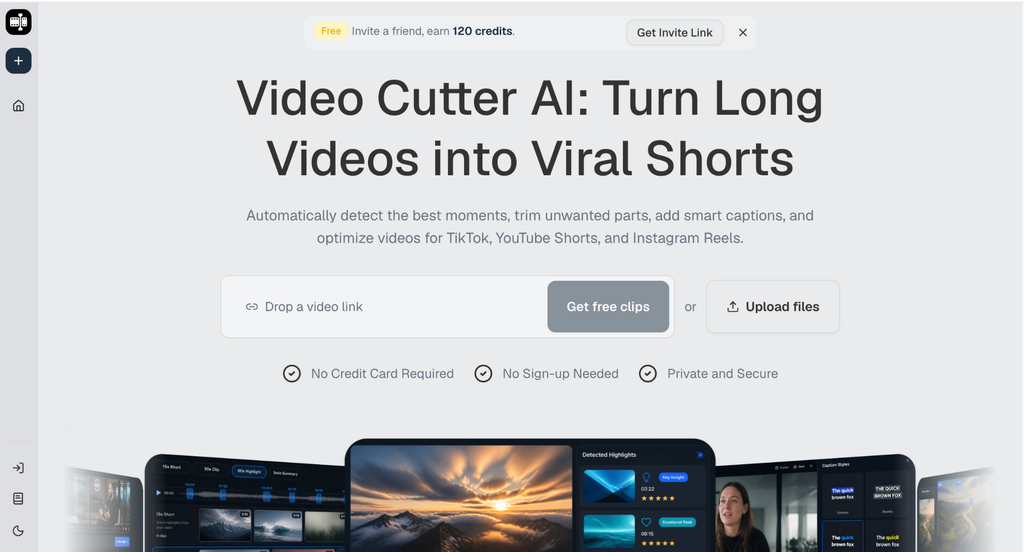
(Video Cutter AI homepage)
Decide What the Viewer Should Receive
Video Cutter AI uses highlight detection and a Viral Score to help prioritize candidates with engagement potential. Those signals do not determine whether a moment should become a teaser or a complete clip. That choice depends on the publishing goal.
A teaser is appropriate when the full episode, webinar, or launch contains the payoff and the short post has a clear path to it. A complete clip is better when the audience expects immediate education, commentary, or an answer that can stand on its own.
Write the Promise in One Sentence
Before editing, finish this sentence: “After watching, the viewer will…” A complete clip might let the viewer identify one onboarding mistake. A teaser might let the viewer understand why a guest’s answer is worth hearing in full.
If the sentence promises a result the selected footage does not deliver, either change the edit or change the format. This simple test prevents accidental bait-and-switch packaging.
Give Complete Clips a Closed Shape
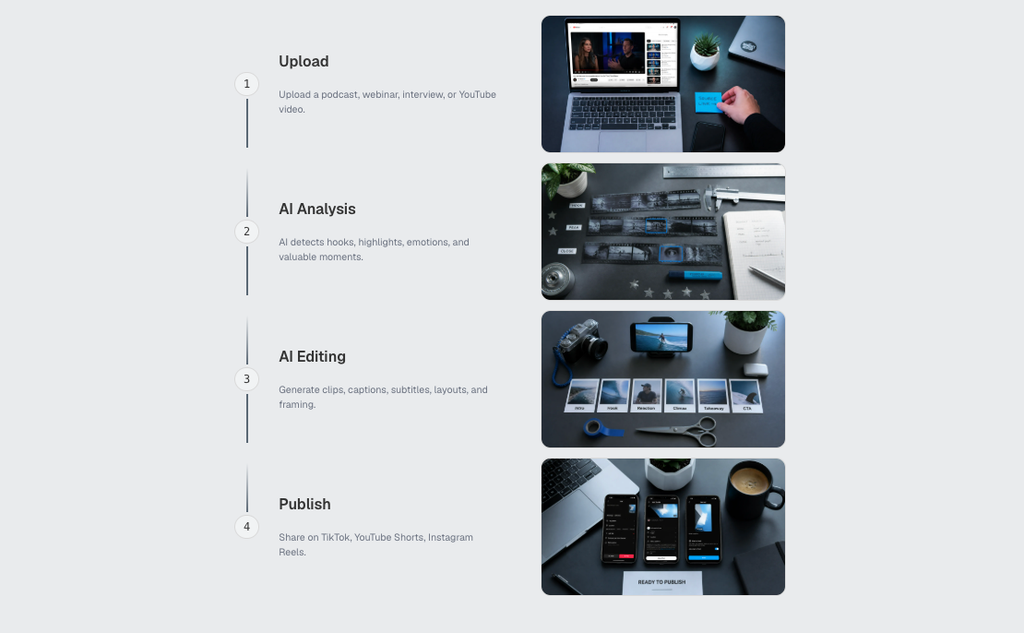
(How to use Video Cutter AI workflow guide)
A complete clip needs orientation, development, and a finish. The opening names the problem or claim. The middle supplies reasoning, demonstration, or an example. The ending resolves the thought without requiring the next sentence in the source.
Silence and filler removal can help shorten a slow lead-in, but do not remove the qualifier that keeps a claim accurate. Smart captions should make the central idea readable, especially when the audience watches without sound.
Let the Ending Do Real Work
Many candidate clips end when the speaker stops briefly rather than when the idea is complete. Listen to the next sentence in the source before setting the boundary. It may contain the consequence, limitation, or practical action that turns a quote into a useful post.
A clean ending does not always require a formal summary. A decisive example, final contrast, or specific recommendation can provide enough closure.
Build Teasers Around Honest Curiosity
A teaser can leave a question open, but it should still offer substance. Give the viewer a meaningful setup, reveal part of the insight, and make the destination explicit. Cutting immediately before the answer may create frustration rather than curiosity.
When the CTA points to a full video, the promised material should be easy to find there. Avoid using a dramatic moment from one topic to promote an episode centered on another.
Use Visual Elements to Signal the Format
Caption language can help distinguish formats. A complete clip might open with a direct topic label. A teaser may include a restrained reference to the full conversation near the end. Auto Reframe should keep the important speaker or demonstration visible in either case.
AI B-roll can clarify a product, place, or process mentioned by the speaker. It should not invent a sense of urgency that the source lacks. The visual treatment should support the editorial promise rather than disguising a weak one.
Measure Each Format by Its Own Goal
Do not evaluate teasers and complete clips with one metric. A teaser may be judged by qualified clicks or views of the full source. A complete educational clip may be better assessed through saves, meaningful comments, or completion rate.
Keep this measurement in the publishing or analytics system you already use. The tool can help create the candidate; it does not replace the decision about what success means.
Conclusion
Do not publish a teaser that withholds everything, and do not label an incomplete excerpt as a complete lesson. Define the viewer promise first, choose a boundary that supports it, and match the CTA and measurement to the chosen format.
Video Cutter AI (https://video-cutter.ai/) has successfully bridged the gap between long-form highlights and practical short-video candidates. Its official features can assist selection and formatting, while the distinction between teaser and complete clip remains an editorial decision.
Try Video Cutter AI: https://video-cutter.ai/
